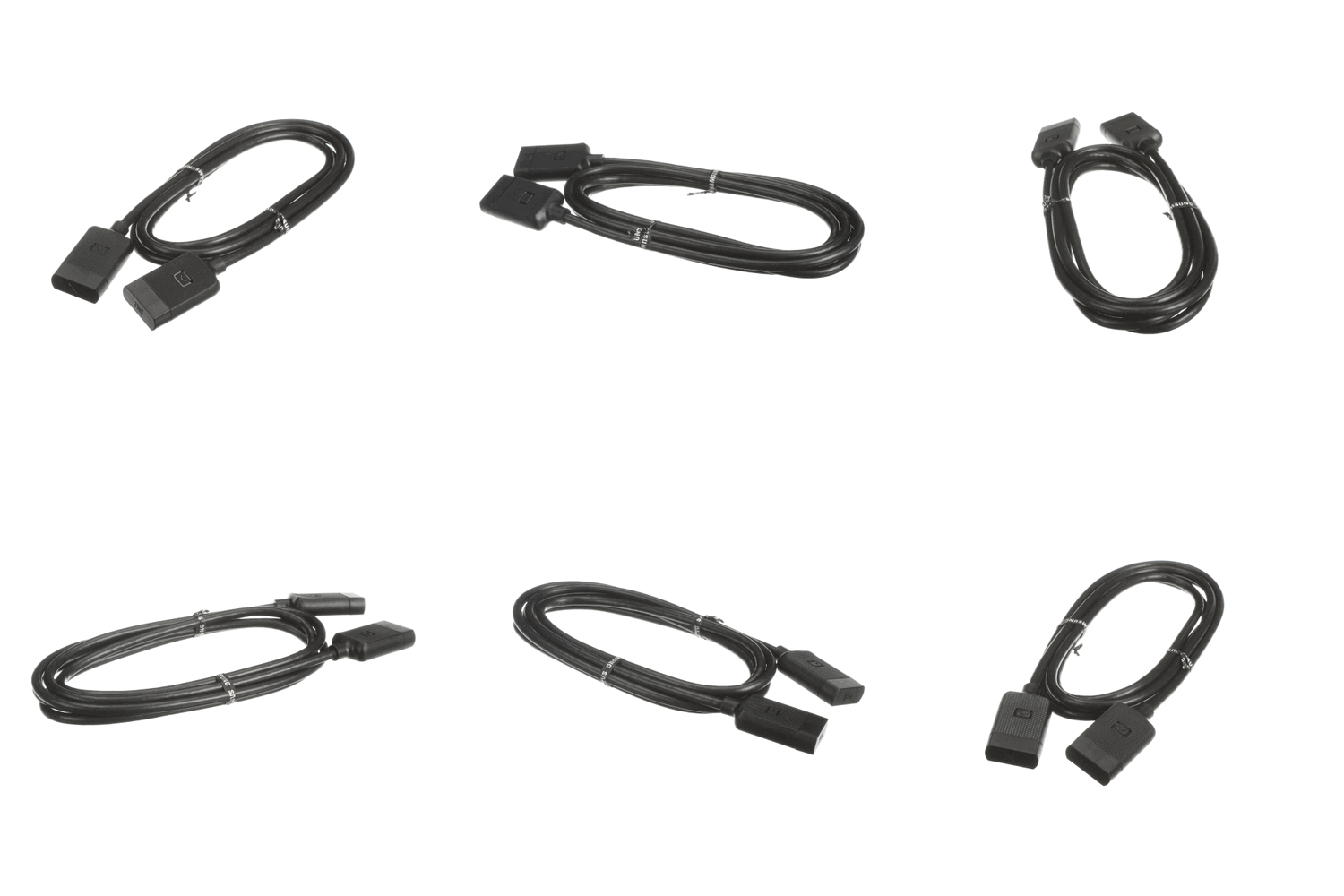
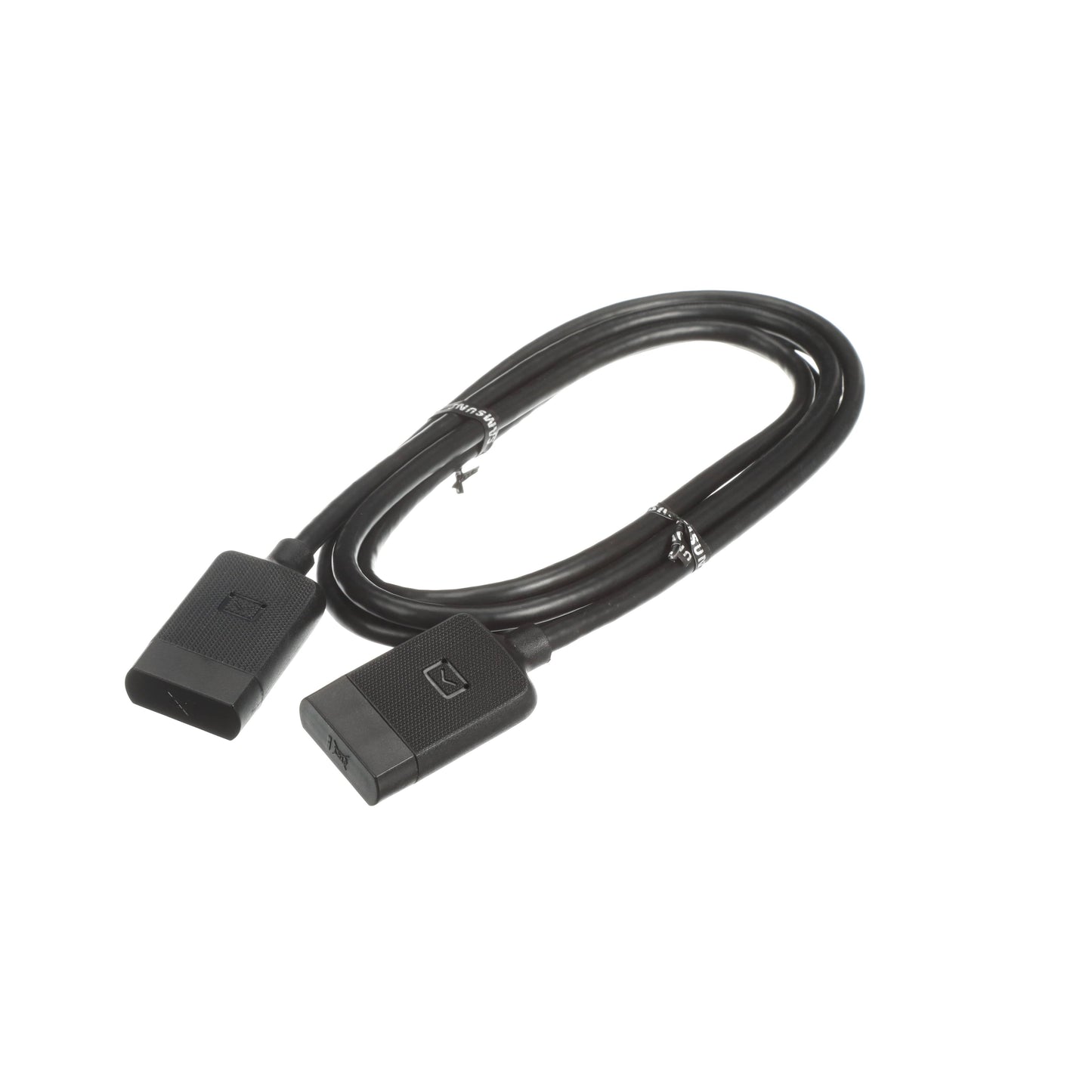
The Samsung TV One Connect Mini Cable - BN39-02015A is the correct replacement for the following model numbers.
Description
If the One Connect Mini Cable is damaged, you might experience issues with connectivity, such as loss of signal or picture quality. This can severely impair your viewing experience.
The Samsung TV One Connect Mini Cable - BN39-02015A is a genuine OEM Samsung replacement part for compatible television models. It replaces the faulty cable to restore proper signal transmission.
This part is located between the TV and the One Connect box. It transmits audio and video signals.
Common Problems This Cable Helps Fix
Loss of picture or sound
Intermittent signal drop
Poor picture quality or distortion
Inability to connect to external devices
DIY Installation: 4 Steps for Cable
Disconnect power: Power off the television before starting.
Remove the old part: Carefully unplug the damaged cable from both ends.
Install the new part: Align the new cable connectors and securely plug them in.
Test: Power on the TV and check for a clear signal and sound.
Why Order From Us
Easy Returns – Enjoy a simple, hassle-free return process.
Fast Shipping – Get your replacement parts delivered quickly.
Customer Support – Get help with your orders and product questions.
Repair Help & Error Codes – Access repair guides and error code information, where available.
Brand Warranty – Find information about applicable manufacturer warranty coverage.