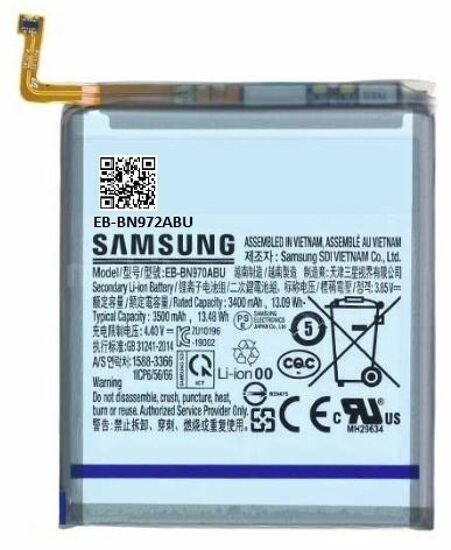
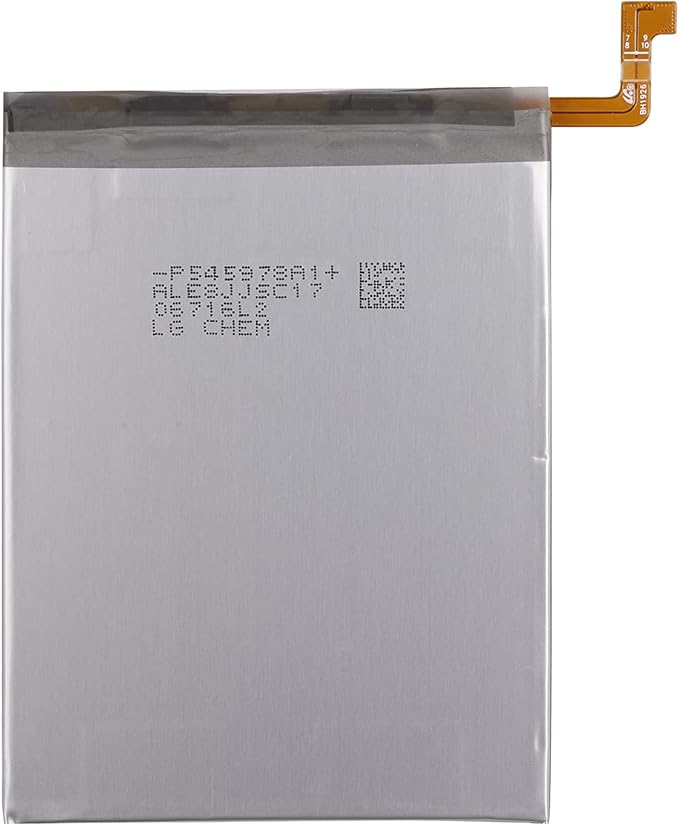
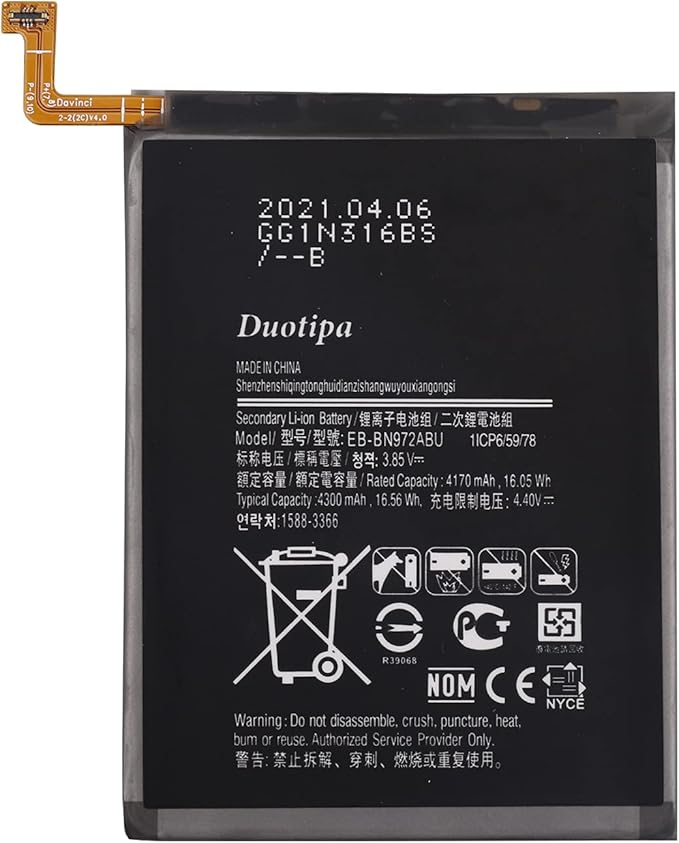
The Samsung Mobile Phone Battery (Galaxy Note10+) - GH82-20814A is the correct replacement for the following model numbers.
Description
If your mobile phone is not holding a charge, you may experience rapid battery drain or failure to power on. This can lead to interruptions in your daily activities and inconvenience.
The Samsung Mobile Phone Battery (Galaxy Note10+) - GH82-20814A is a genuine OEM Samsung replacement part. It replaces the worn, broken, or missing component to restore your device's performance.
This part is located inside the mobile phone. It provides power to the device and ensures it operates effectively.
Common Problems This Battery Helps Fix
Device fails to charge or power on.
Rapid battery drainage during normal use.
Overheating of the phone during charging.
Inability to hold a charge for extended periods.
DIY Installation: 4 Steps for Battery
Disconnect power: Power off the mobile phone before starting.
Remove the old part: Carefully open the phone casing and remove the old battery without forcing it.
Install the new part: Position the new battery in place and ensure it connects securely.
Test: Power on the device and check if it charges properly.
Why Order From Us
Easy Returns – Enjoy a simple, hassle-free return process.
Fast Shipping – Get your replacement parts delivered quickly.
Customer Support – Get help with your orders and product questions.
Repair Help & Error Codes – Access repair guides and error code information, where available.
Brand Warranty – Find information about applicable manufacturer warranty coverage.