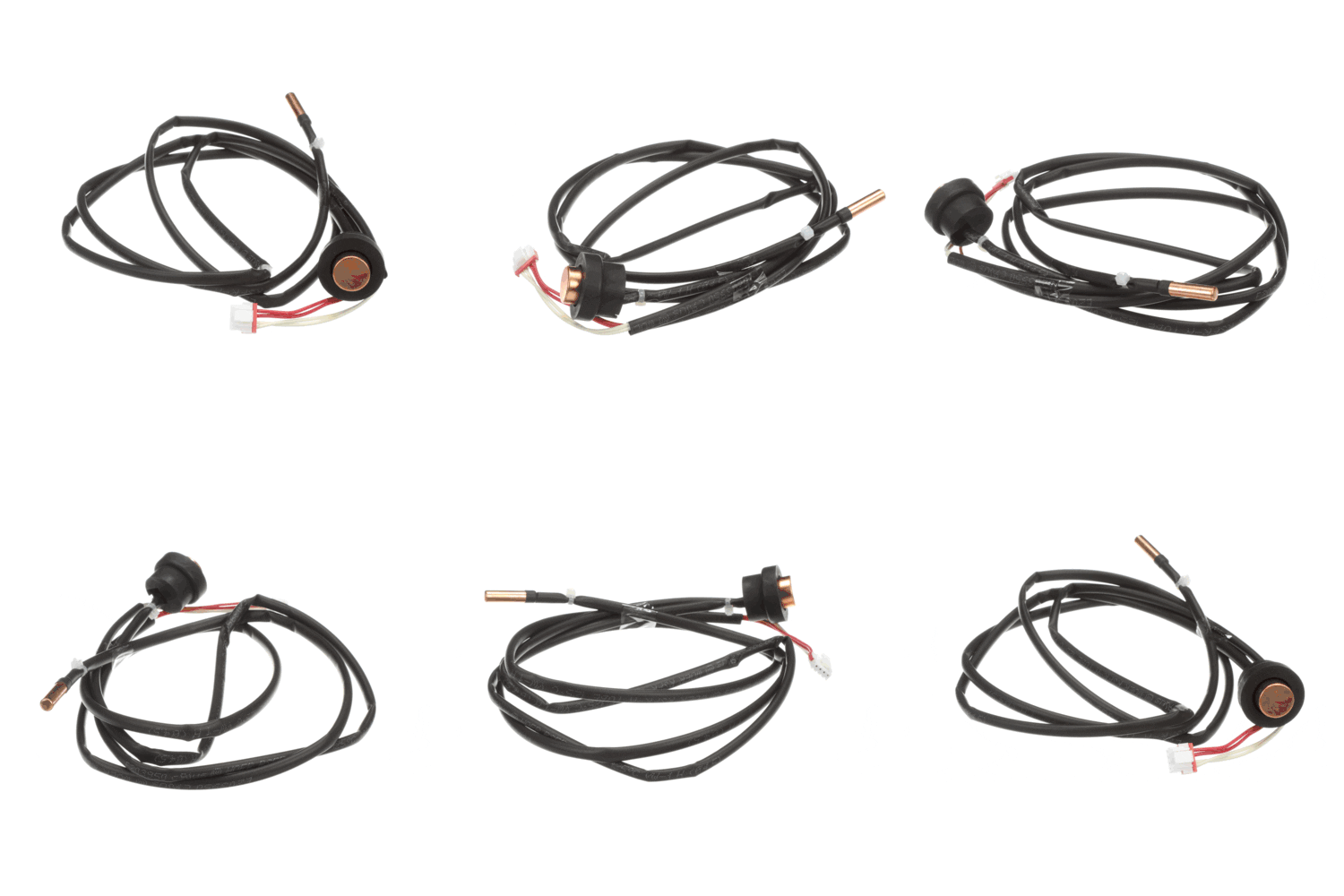
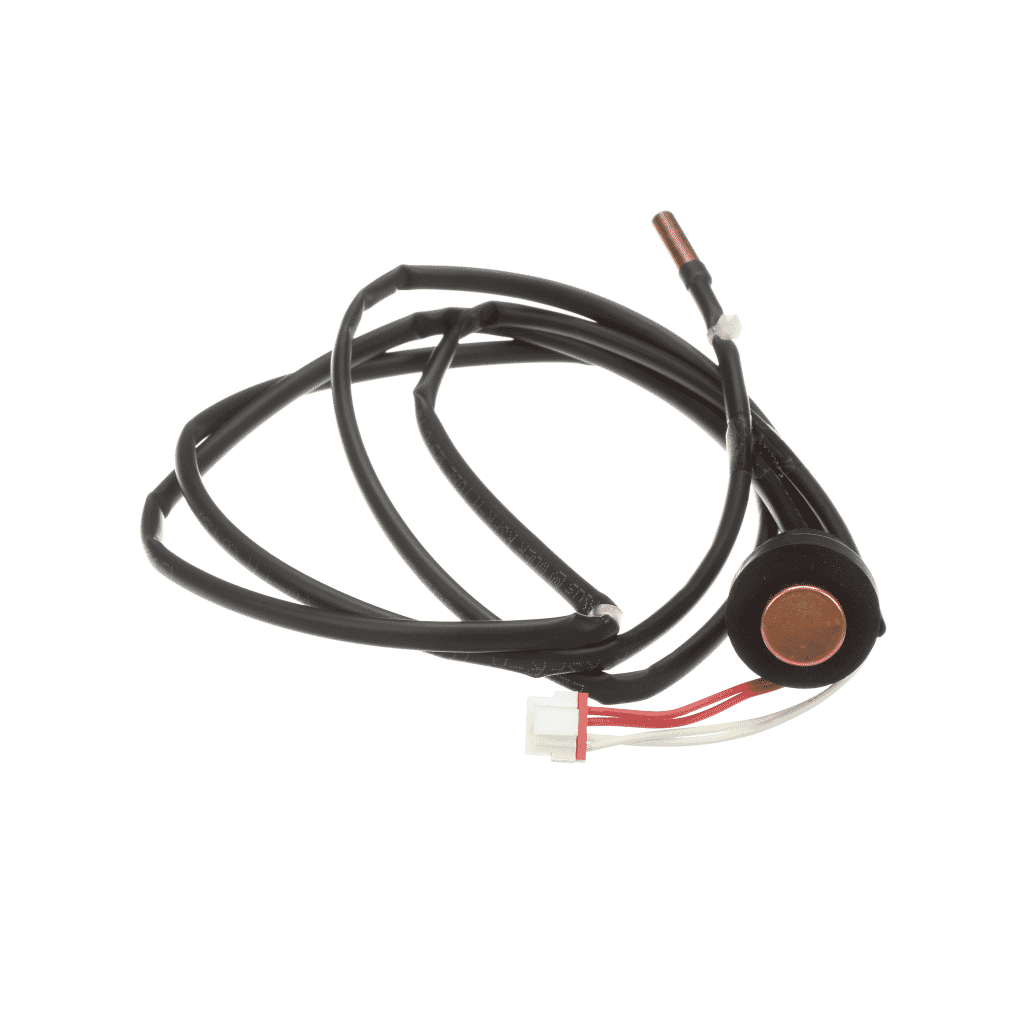
Samsung Air Conditioner Assembly Thermistor - DB95-01976C
  • Maintain precise thermal monitoring with DB95-01976C Assembly Thermistor, designed for Samsung air conditioner systems.
  • Engineered to deliver accurate temperature readings, helping maintain balanced airflow and efficient cooling performance.
  • Built with durable sensing components, ensuring reliable operation and long-lasting performance under continuous daily use.
  • Ideal for replacing damaged thermistors, restoring proper climate control and improving system cooling efficiency.
  • Compatible with select Samsung air conditioner models, ensuring secure installation and trusted OEM-quality performance.
Read More

190.98 CAD

Compatible models

The Samsung Air Conditioner Assembly Thermistor - DB95-01976C is the correct replacement for the following model numbers.

Description

Maintain the precision temperature monitoring and automated climate control of your system with the Samsung Air Conditioner Thermistor Assembly DB95-01976C. This high-sensitivity sensor is a critical diagnostic component that measures the temperature of the air entering the unit or the temperature of the evaporator coils. By providing real-time thermal data to the main control board, the thermistor allows the system to decide when to engage the compressor, adjust fan speeds, or initiate a defrost cycle. A failing thermistor can cause the air conditioner to short-cycle, freeze up, or fail to reach the desired temperature setting, often resulting in specific sensor error codes on the display.

Manufactured with high-sensitivity NTC (Negative Temperature Coefficient) resistors and moisture-resistant polymer casing, the DB95-01976C is designed for rapid response to minute temperature changes. Its durable wiring harness and precision-molded connectors ensure a stable electrical signal, preventing the phantom errors that can occur with low-quality aftermarket sensors.

Installation / Replacement Instructions

1. Safety First: Turn off the air conditioner and disconnect the power at the circuit breaker to prevent electrical shock.
2. Remove the Housing: Open the front intake grill and remove the plastic housing or fascia of the unit to access the internal wiring and the coil assembly.
3. Locate the Sensor: Find the existing thermistor. It is usually clipped to the front of the evaporator coil in the path of the incoming air or inserted into a copper sleeve on the side of the refrigerant tubing.
4. Trace and Disconnect: Follow the wire from the sensor head back to the main control PCB. Carefully unplug the connector from the board, noting its specific port.
5. Swap the Assembly: Remove the old DB95-01976C from its mounting clip or sleeve and position the new sensor in the exact same location. Ensure the sensor head is making good contact with the surface it is measuring.
6. Route and Plug: Route the new wiring harness along the original path, securing it with any existing clips to keep it away from the fan blade. Plug the connector firmly into the control board.
7. Reassemble and Test: Replace the units housing and filters. Restore power and use the remote to set a specific temperature; verify that the unit responds correctly and that any previous sensor error codes have cleared.

Compatible with select Samsung air conditioning units, this OEM-quality thermistor assembly provides the reliable thermal feedback necessary for efficient and comfortable climate control.

Key Features
- AC Thermistor Sensor Assembly – Part number DB95-01976C
- High-Precision Temperature Sensing – Enables accurate climate control and system protection
- Moisture-Resistant Coating – Protects the sensor head from condensation and humidity
- Integrated Wiring Harness – Includes the correct length and connector for a direct fit
- Compatible with Select Samsung Models – Precision-matched for factory-standard resistance values
- OEM-Quality Part – Restores reliable temperature monitoring and prevents system errors

Maintain the precision temperature monitoring and automated climate control of your system with the Samsung Air Conditioner Thermistor Assembly DB95-01976C. This high-sensitivity sensor is a critical diagnostic component that measures the temperature of the air entering the unit or the temperature of the evaporator coils. By providing real-time thermal data to the main control board, the thermistor allows the system to decide when to engage the compressor, adjust fan speeds, or initiate a defrost cycle. A failing thermistor can cause the air conditioner to short-cycle, freeze up, or fail to reach the desired temperature setting, often resulting in specific sensor error codes on the display.

Manufactured with high-sensitivity NTC (Negative Temperature Coefficient) resistors and moisture-resistant polymer casing, the DB95-01976C is designed for rapid response to minute temperature changes. Its durable wiring harness and precision-molded connectors ensure a stable electrical signal, preventing the phantom errors that can occur with low-quality aftermarket sensors.

Installation / Replacement Instructions

1. Safety First: Turn off the air conditioner and disconnect the power at the circuit breaker to prevent electrical shock.
2. Remove the Housing: Open the front intake grill and remove the plastic housing or fascia of the unit to access the internal wiring and the coil assembly.
3. Locate the Sensor: Find the existing thermistor. It is usually clipped to the front of the evaporator coil in the path of the incoming air or inserted into a copper sleeve on the side of the refrigerant tubing.
4. Trace and Disconnect: Follow the wire from the sensor head back to the main control PCB. Carefully unplug the connector from the board, noting its specific port.
5. Swap the Assembly: Remove the old DB95-01976C from its mounting clip or sleeve and position the new sensor in the exact same location. Ensure the sensor head is making good contact with the surface it is measuring.
6. Route and Plug: Route the new wiring harness along the original path, securing it with any existing clips to keep it away from the fan blade. Plug the connector firmly into the control board.
7. Reassemble and Test: Replace the units housing and filters. Restore power and use the remote to set a specific temperature; verify that the unit responds correctly and that any previous sensor error codes have cleared.

Compatible with select Samsung air conditioning units, this OEM-quality thermistor assembly provides the reliable thermal feedback necessary for efficient and comfortable climate control.

Key Features
- AC Thermistor Sensor Assembly – Part number DB95-01976C
- High-Precision Temperature Sensing – Enables accurate climate control and system protection
- Moisture-Resistant Coating – Protects the sensor head from condensation and humidity
- Integrated Wiring Harness – Includes the correct length and connector for a direct fit
- Compatible with Select Samsung Models – Precision-matched for factory-standard resistance values
- OEM-Quality Part – Restores reliable temperature monitoring and prevents system errors

Read More

Shipping & delivery

Does this part fit my model?

    Have a question?