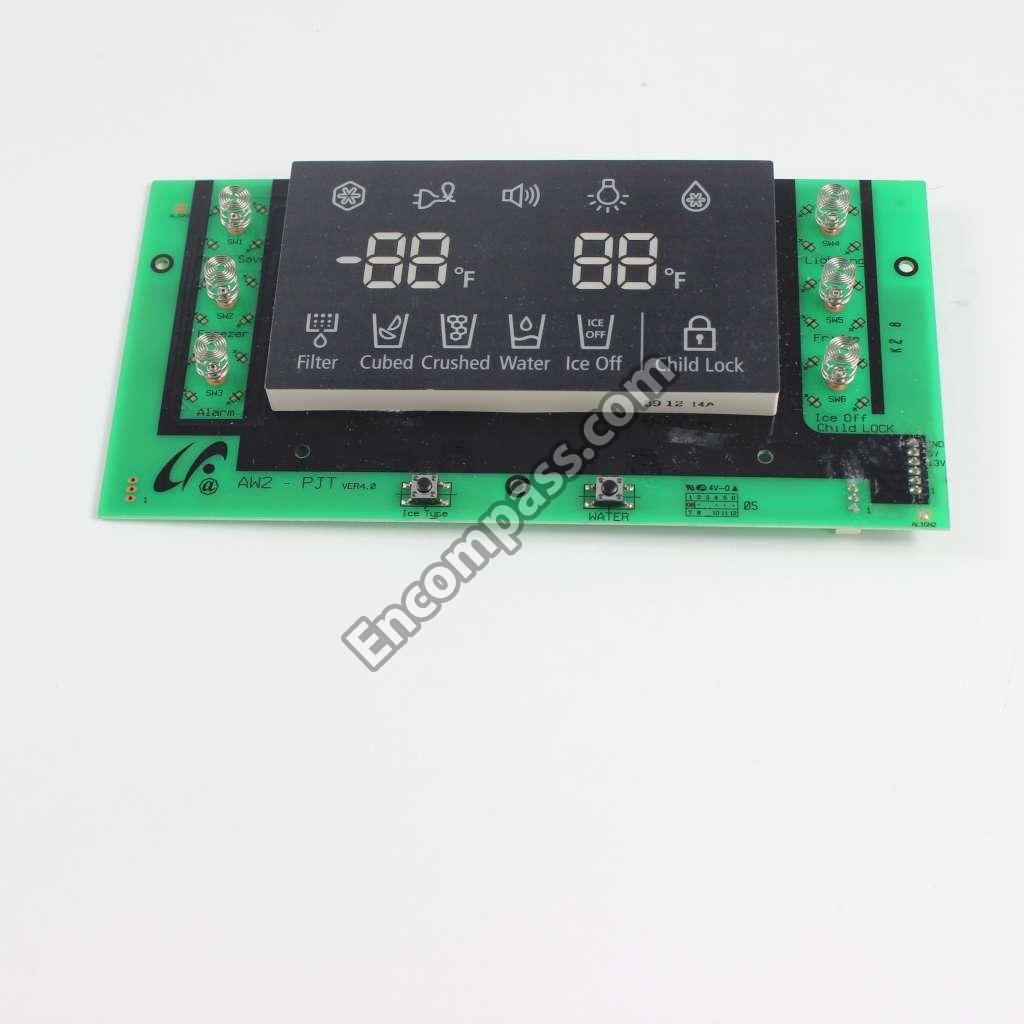
The Samsung Refrigerator LCD PCB Board Kit - DA41-00540A is the correct replacement for the following model numbers.
Description
The Samsung Refrigerator LCD PCB Board Kit - DA41-00540A is a genuine OEM Samsung replacement part for compatible refrigerator models. It replaces the function by replacing the worn, broken, or missing component.
This part is located within the refrigerator. It controls the display and functionality of the appliance's settings.
Common Problems This LCD Panel Helps Fix
The display is blank or flickering.
Inaccurate temperature readings on the display.
Buttons on the control panel are unresponsive.
Failure of the refrigerator to enter different modes, such as cooling or defrost.
DIY Installation: 4 Steps for LCD Panel
Disconnect power: Unplug the refrigerator or switch off its circuit breaker before starting.
Remove the old part: Carefully detach the old LCD panel from the appliance, avoiding any force.
Install the new part: Align the new LCD panel and securely attach it in place.
Test: Restore power and confirm that the display functions correctly.
Why Order From Us
Easy Returns – Enjoy a simple, hassle-free return process.
Fast Shipping – Get your replacement parts delivered quickly.
Customer Support – Get help with your orders and product questions.
Repair Help & Error Codes – Access repair guides and error code information, where available.
Brand Warranty – Find information about applicable manufacturer warranty coverage.