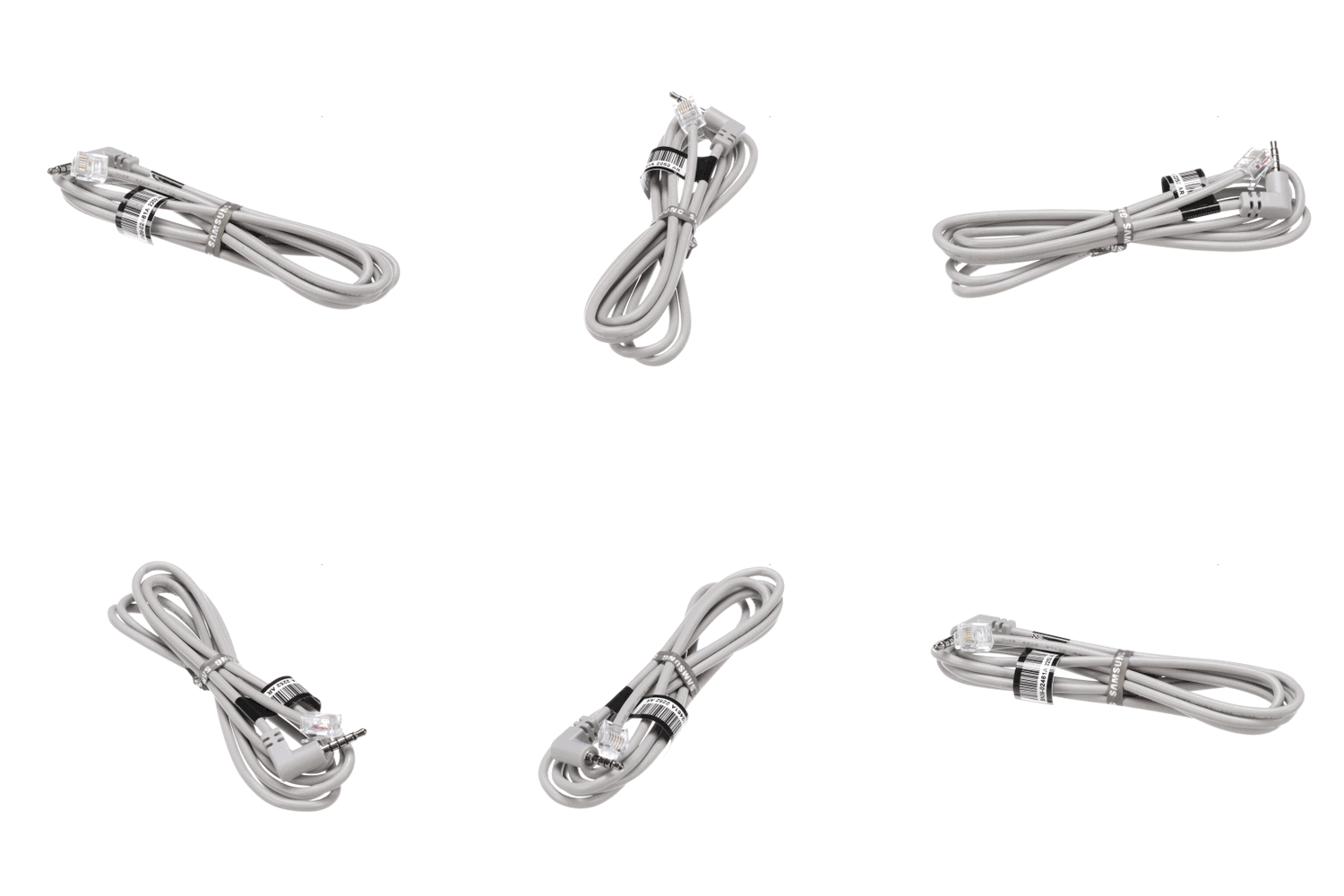
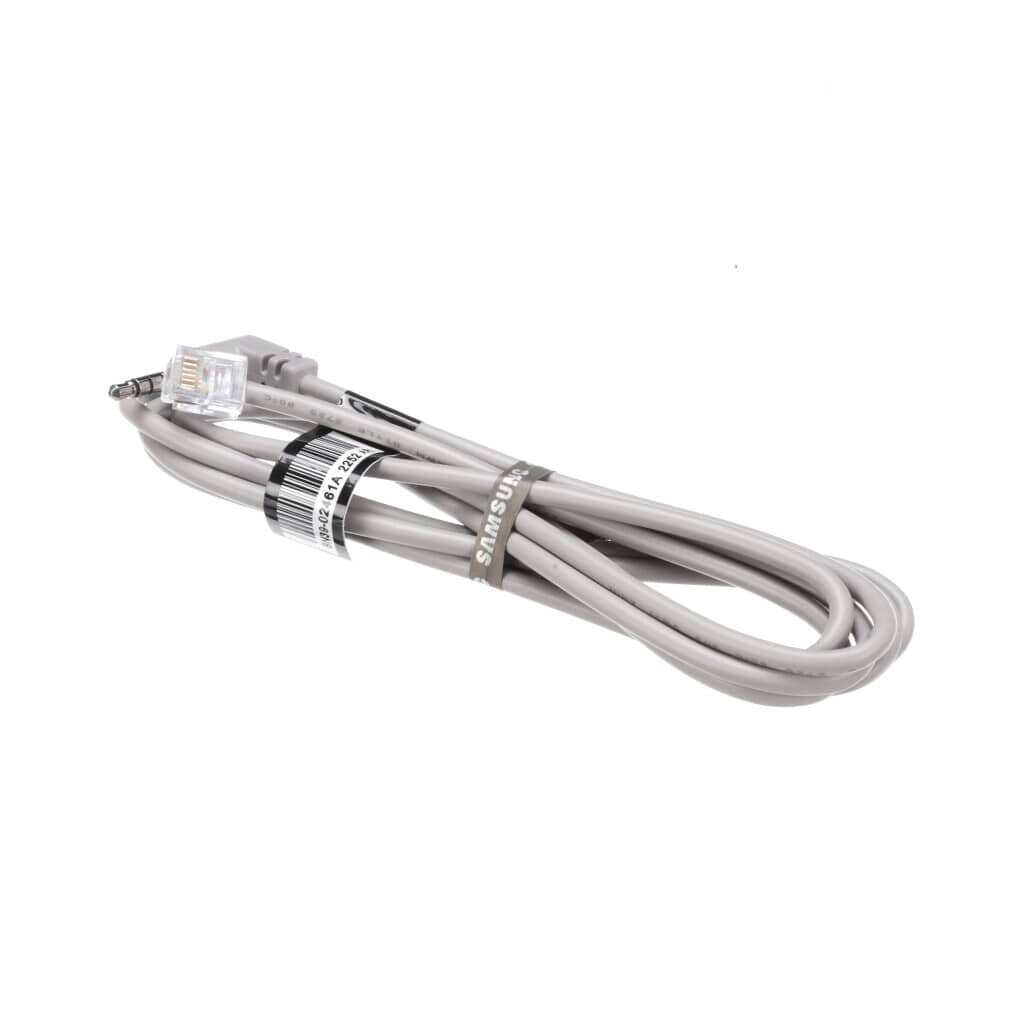
The Samsung Monitor LAN Cable - BN39-02461A is the correct replacement for the following model numbers.
Description
If your monitor's connection is unstable, you may experience intermittent network issues or slow data transfer. This can result in frustration when attempting to access online content.
The Samsung Monitor LAN Cable - BN39-02461A is a genuine OEM Samsung replacement part for compatible Component models. It replaces the worn or damaged cable to restore reliable connectivity.
This part is located within the monitor's connectivity section. It facilitates stable network connections for streaming and online activities.
Common Problems
Intermittent connection leading to data dropouts.
Slow data transfer rates affecting performance.
Frayed or damaged cable casing.
Inconsistent signal quality during use.
DIY Installation
Disconnect power: Ensure the monitor is powered off and unplugged.
Remove the old part: Carefully unplug the damaged LAN cable from its ports.
Install the new part: Plug the new LAN cable into the appropriate ports until it clicks securely.
Test: Power on the monitor and check for stable network connectivity.
Why Order From Us
Easy Returns – Enjoy a simple, hassle-free return process.
Fast Shipping – Get your replacement parts delivered quickly.
Customer Support – Get help with your orders and product questions.
Repair Help & Error Codes – Access repair guides and error code information, where available.
Brand Warranty – Find information about applicable manufacturer warranty coverage.
If your monitor's connection is unstable, you may experience intermittent network issues or slow data transfer. This can result in frustration when attempting to access online content.
The Samsung Monitor LAN Cable - BN39-02461A is a genuine OEM Samsung replacement part for compatible Component models. It replaces the worn or damaged cable to restore reliable connectivity.
This part is located within the monitor's connectivity section. It facilitates stable network connections for streaming and online activities.
Common Problems
Intermittent connection leading to data dropouts.
Slow data transfer rates affecting performance.
Frayed or damaged cable casing.
Inconsistent signal quality during use.
DIY Installation
Disconnect power: Ensure the monitor is powered off and unplugged.
Remove the old part: Carefully unplug the damaged LAN cable from its ports.
Install the new part: Plug the new LAN cable into the appropriate ports until it clicks securely.
Test: Power on the monitor and check for stable network connectivity.
Why Order From Us
Easy Returns – Enjoy a simple, hassle-free return process.
Fast Shipping – Get your replacement parts delivered quickly.
Customer Support – Get help with your orders and product questions.
Repair Help & Error Codes – Access repair guides and error code information, where available.
Brand Warranty – Find information about applicable manufacturer warranty coverage.